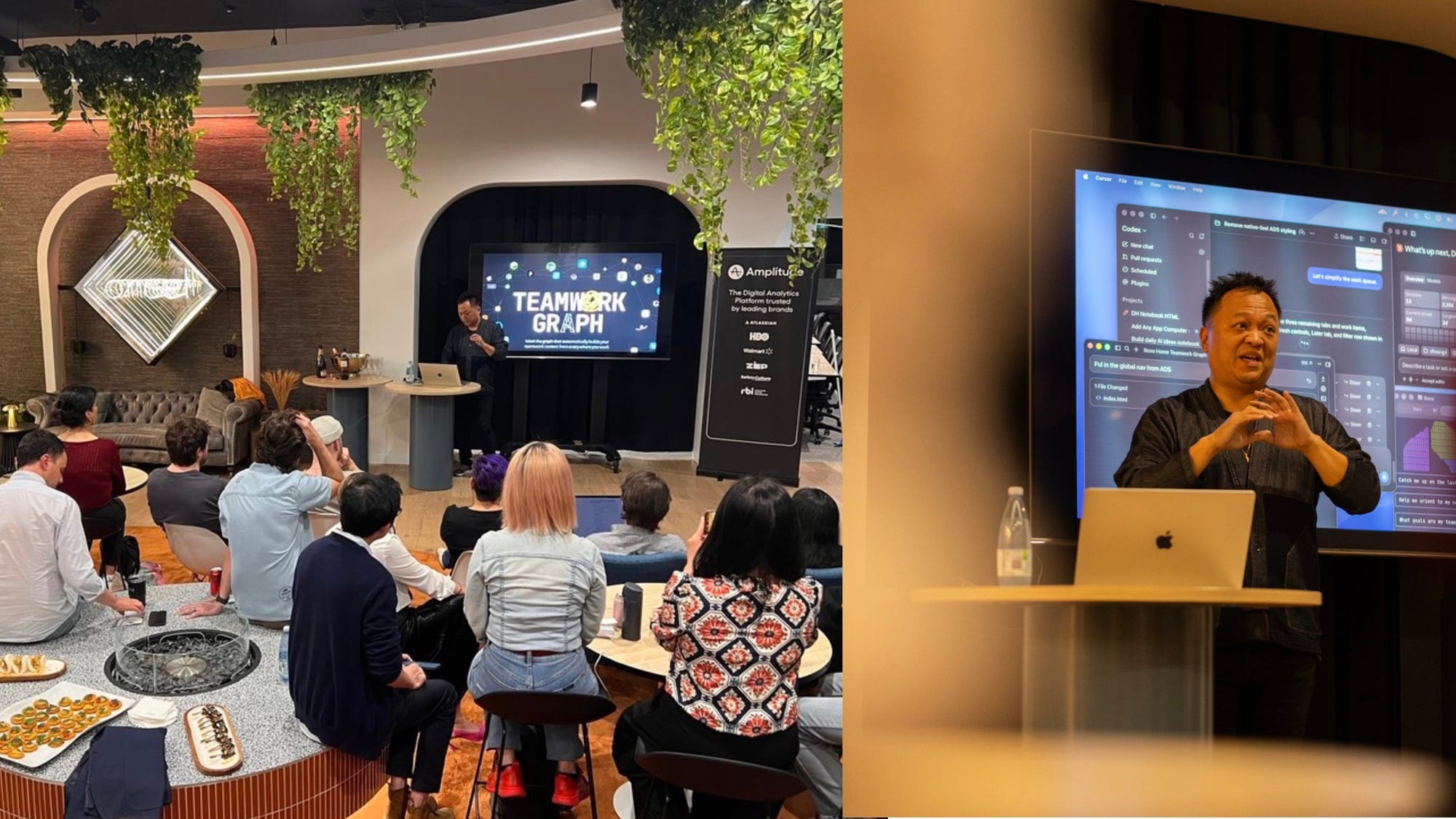
I had the pleasure of speaking at The Onset’s inaugural Build / 01 in Sydney, Australia. Originally I was planning to show Protobox and it turned out there was already a demo of a similar solution! Instead, I shared a different demo that was complementary to the idea: Personal’s software’s proximity of work.
The future of interaction won’t be a single interface that will win. There are multiple ways to interface from headless experiences in CLIs and the Graph to rigid apps that serve a specific purpose. Personal software is one of those interface types along the spectrum.
There are many people that will tell you the future is no UI because of Chat, or Chat is not the future, and any other title that will draw headlines. The less polarizing truth is it’s a spectrum of choice from Graph to App depending on the workflows. There are instances where completely Headless is the most efficient. Even as a designer, I spend a large portion of my time only in the Command Line Interface (CLI). However, if I’m in a specific app working on a specific task, I’m not going to jump back into the CLI. I’m going to reach to the tool in closest proximity whether it is my personal software or in a collaborative surface with my team.
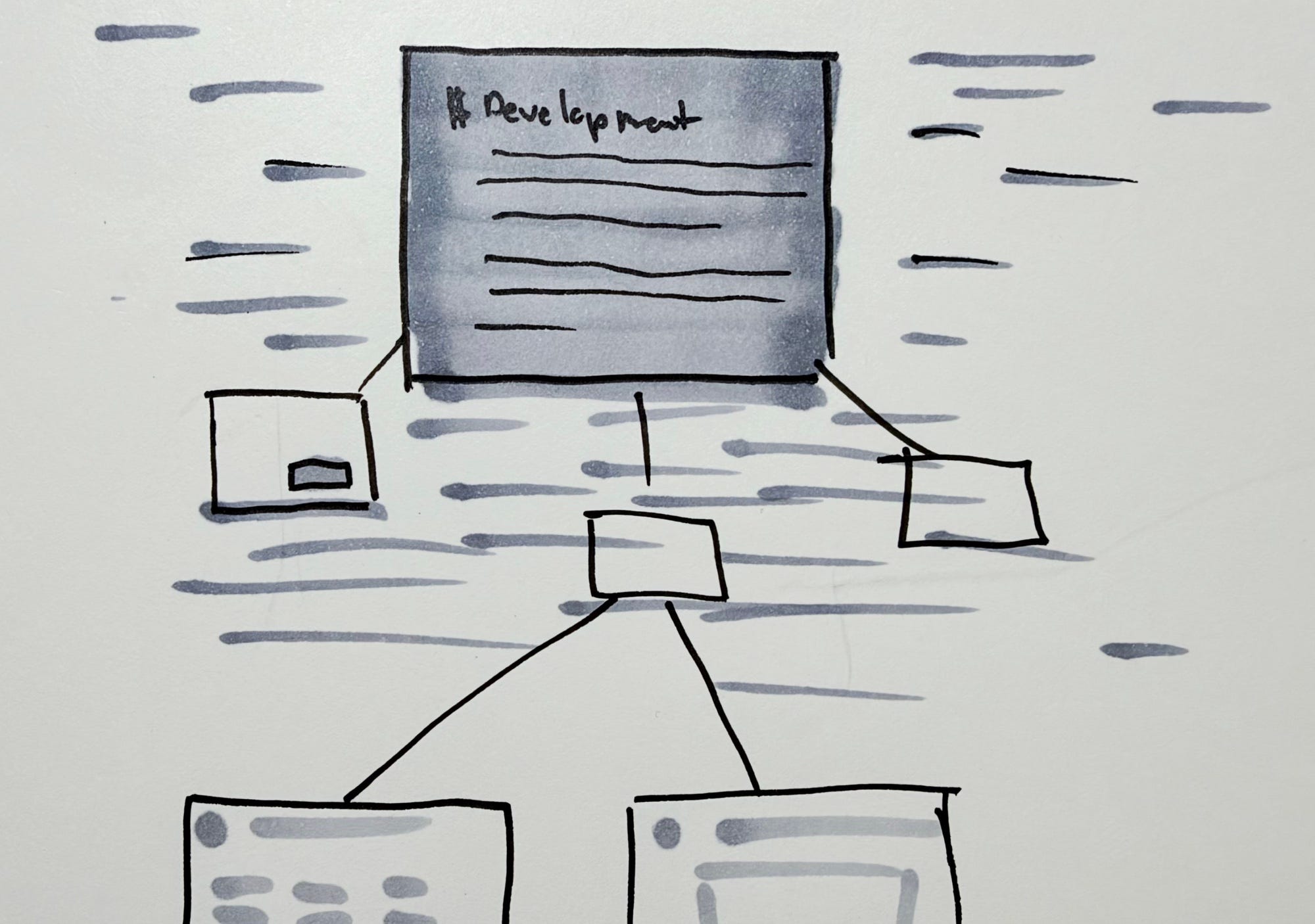
Interactions being adaptive are what I believe will make agentic experiences feel special; something that can contextualize (and re-contextualize) based on the use case. There are four types of software in the future: Commercial, Boutique, Personal, and Disposable. Let’s look at the case of Personal software in the context of teams.
The myth of personal software is feels contrary to working with teams. It’s complementary. To do your best work does not mean every person is in the same document working in real-time. There is a place for that, but people need the space to develop their point of view and contribute. This reduces groupthink and more accountable directly responsible individuals (DRIs).
Your personal software you build likely won’t be used by anyone else, and that’s is its value prop.
What’s more important than the tools is how work is done: the working agreement, shared rituals, ways of working, and contribution/decision points that lead to great results. In the era of agentic systems, your personal workflows are more interoperable through the platform.
Personal software is the hardened interface that knows you and you completely trust it. In order for it to be valuable in a team setting, it has to have a collaboration and contribution model that’s accessible to the team.
In a world where Model, View, and Controller are de-coupled, personal software as an app become the Views we work with. Context, information, and data become the model they interact with; a vector across many things. This is where I used the Teamwork Graph by Atlassian to build on top of (full disclosure: I work there).
I use the Teamwork Graph gives me access to the context I need to build my app. In my app demo, I pulled the team directory, my Trello board information to present a Kanban Board, work assigned to me, and much more. Here’s demo I gave in a Loom video.
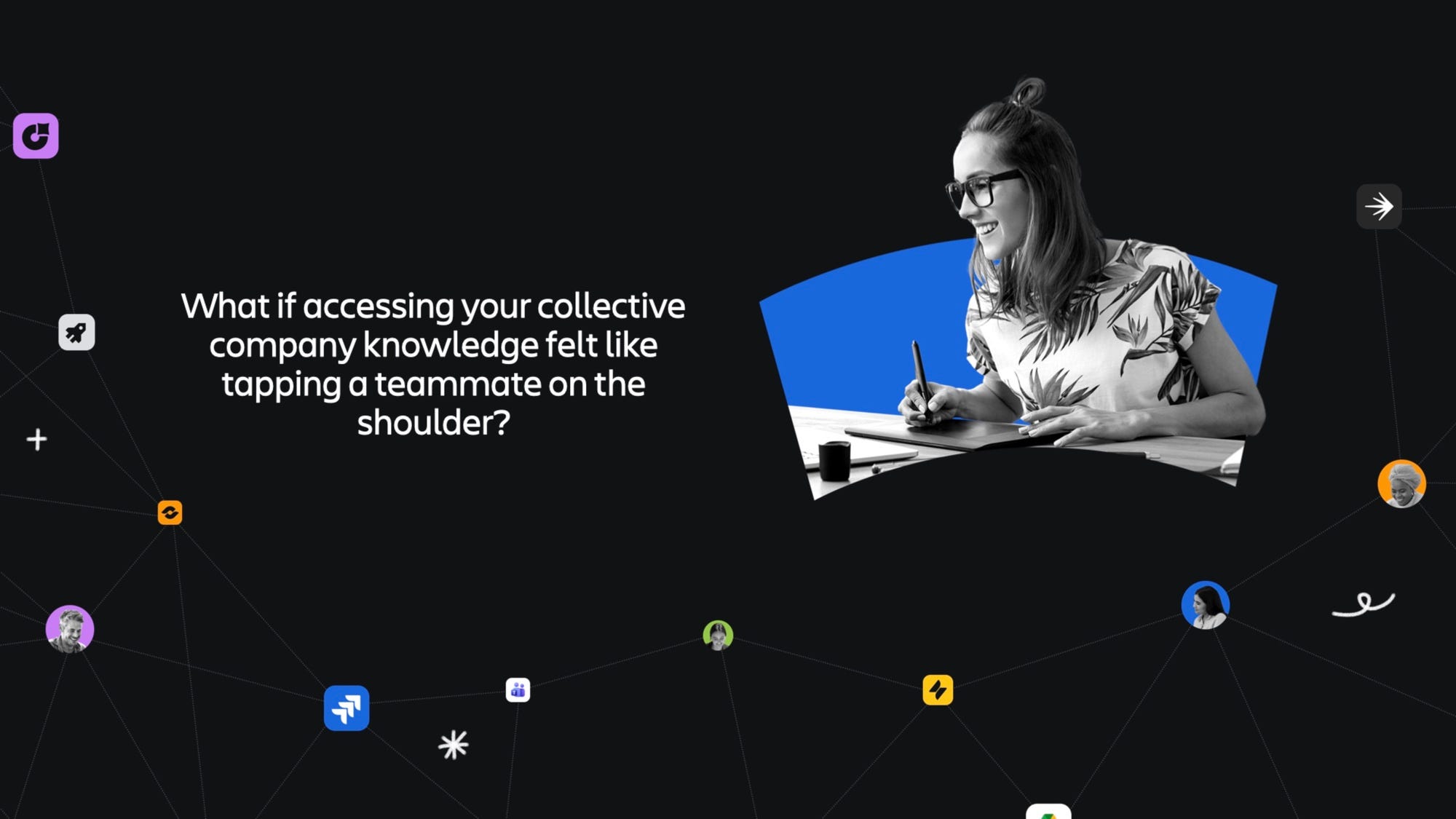
The proximity of work is one of the biggest advantages for teams to have clarity and move fast. My style of work is high bandwidth interaction. Early in my design career, I was able to accelerate my learning by being around people way better than me within a tap on the shoulder. Though I personally love going to the office, I work in a remote-first setting with teammates spanning the entire globe. The physical tap on the shoulder is not possible, but I ask myself the question:
“What if accessing your collective company knowledge felt like tapping a teammate on the shoulder?”
to connect all my work in one fluid app. It allowed me to use work information I need to access in a headless way presented in my own personal UI. One of my favorite features built was a my Trello boards being aggregated into a single view.
There is no perfect team-based workflow. Every human has their way of working for a number of reasons: preferences, mental model, role, and many other aspects. To best optimize the personal workflow, you must have a strong sense of what you need to get done.
I hold many different ways of working. I am a design executive and need to ensure we get to the desired outcomes of the collective team. At the same time, I am a builder and have an entrepreneurial mindset. I’m across a lot of different things. During maker time, I am in developer tools to design and code. The majority of these tools are preferred locally for me.
I developed these principles around my personal software:
Local-first: I always am on my local desktop file system before opening a browser. I eventually will, but local is where I start. As I need to go deeper, launch me to the web
Focused with ambient awareness: I want a place to have deep work but not be a blocker for people who need me. Give me the blinders that can turn into a rear view mirror when I’m needed.
Shared progress through the graph: My flow state is protected while logging progress to my teammates. Be a team player and make work visible
The personal software I demonstrated is a Design Notebook. It serves as the central hub for the most important work I need to do. In the spirit of my principle of focused with ambient awareness, I need to be alerted when my attention is needed. This is why I prefer an Attention System over a Notification System. I don’t need to know everything that’s going on, but what needs my attention.
I work at a company that builds collaborative software for all teams. At the same time, I believe personal software’s role doesn’t go away, but becomes more important in this setting.
We’ve entered an area of software where the tools we use to collaborate at work can be unique to each individual human, and that’s exciting to figure out.